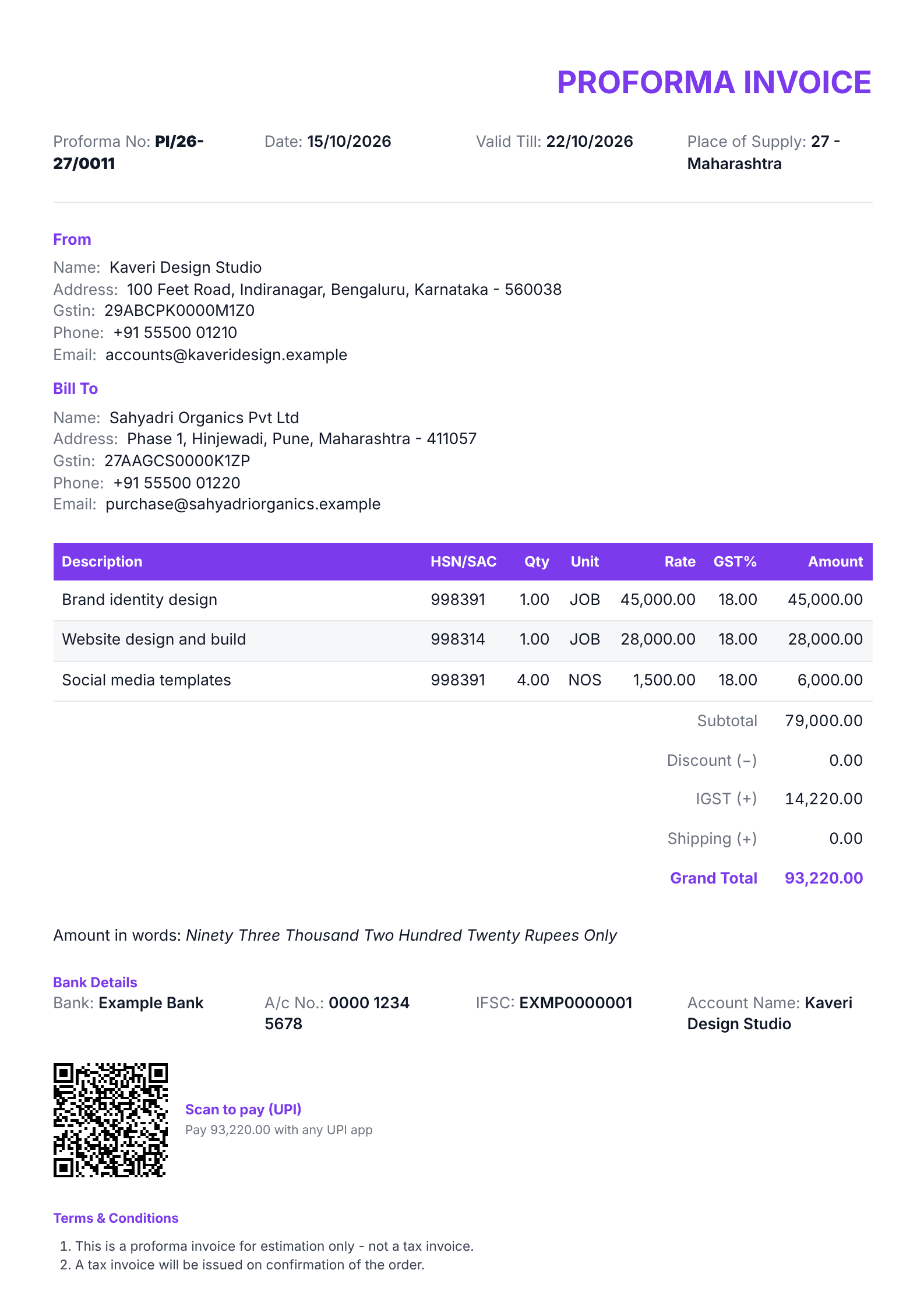
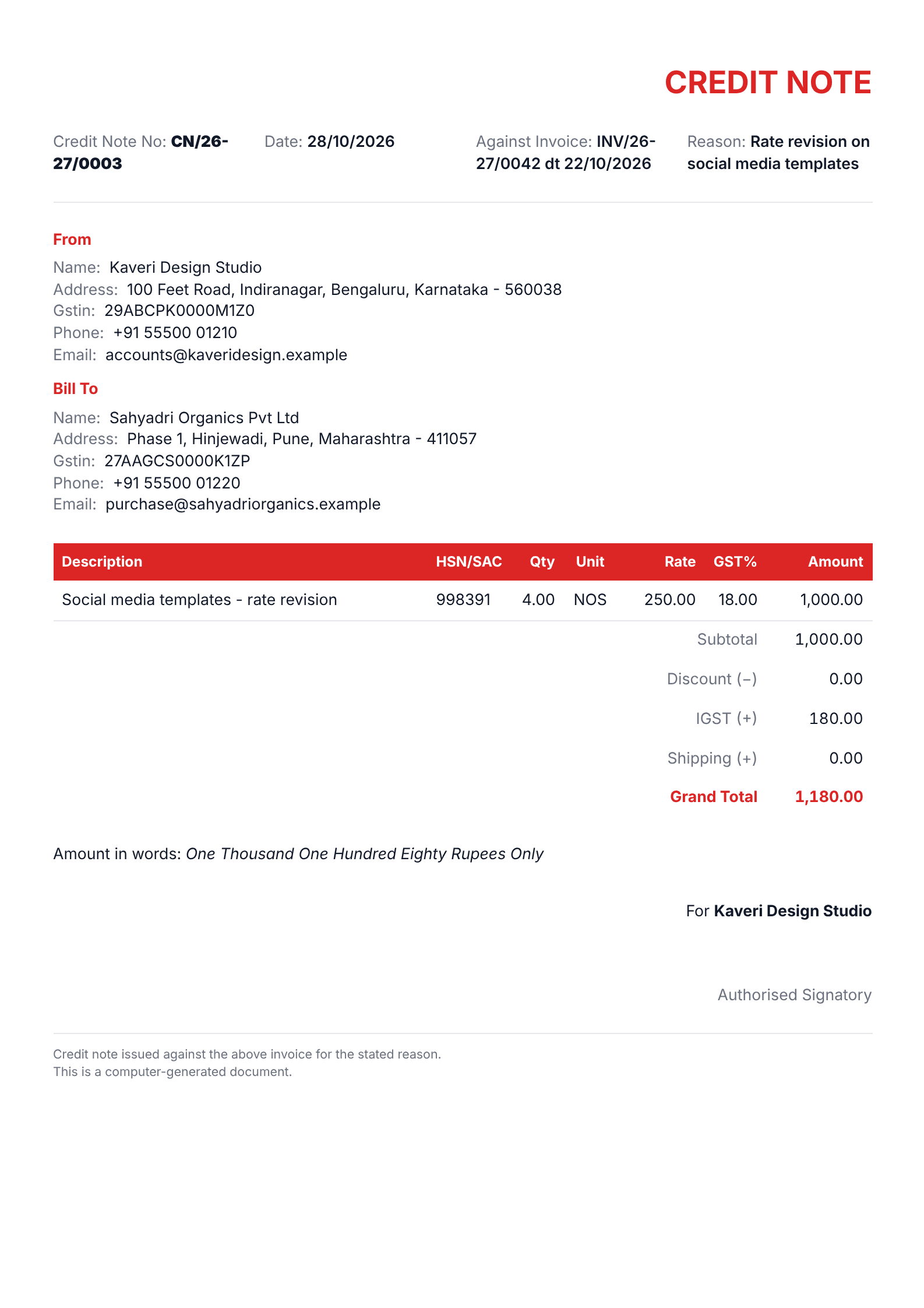
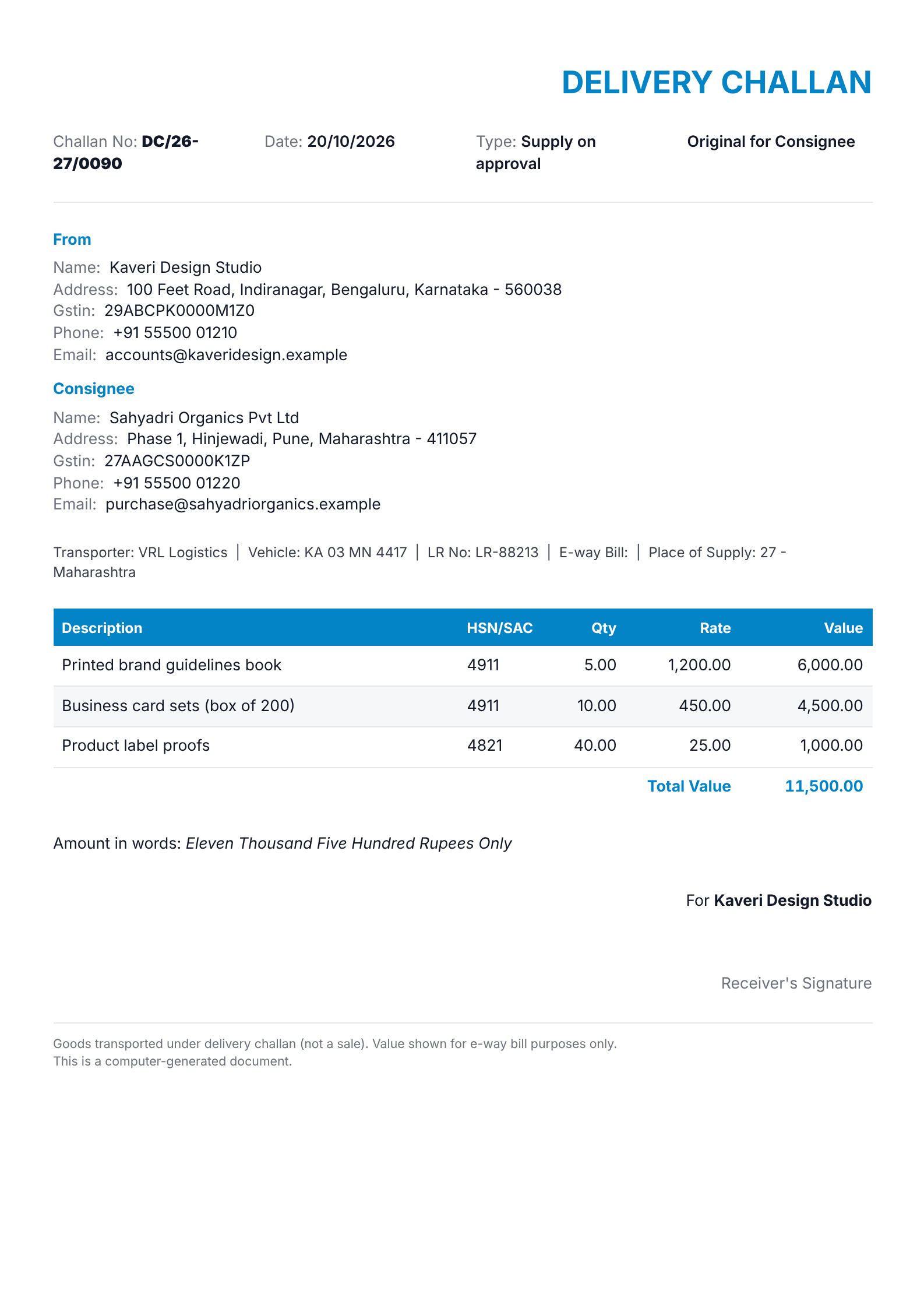
A GST invoice that’s right, in your own style.
Every detail Rule 46 asks for, with the tax split worked out from the place of supply. Change the look as much as you like. The totals stay correct.
No sign-up needed · Free PDF · No card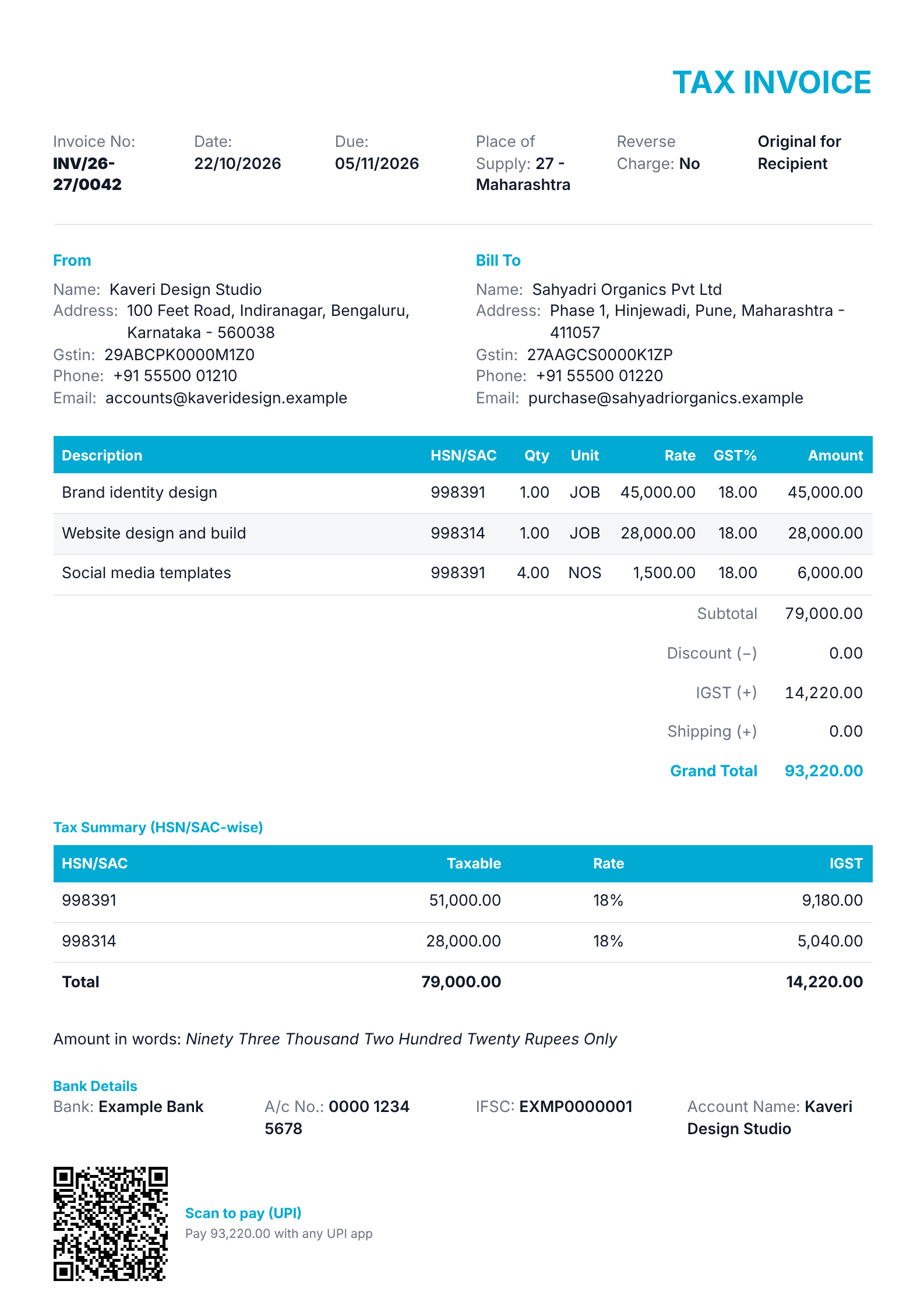
What is a GST tax invoice?
A tax invoice is the bill a GST-registered business issues when it supplies goods or services. It records what was sold, the taxable value and the GST charged, and it is the document your buyer needs to claim input tax credit.
Rule 46 of the CGST Rules lists what it must show, including your GSTIN and the buyer’s, a serial number of up to 16 characters that is unique in the financial year, HSN or SAC codes, the place of supply, the tax split and your signature. For goods it is generally issued before or at the time of delivery; for services, within 30 days of the supply. Above the e-invoicing turnover limit, B2B invoices are also reported to the government’s IRP, which returns an IRN.
When you need one
- You make a taxable sale as a GST-registered business
- Your buyer is registered and will claim input tax credit
- You supply to another state and charge IGST
- You need an e-invoice: the IRP needs the same details
On the composition scheme, or supplying only exempt goods or services? Issue a bill of supply instead: it carries no GST.
General guidance, not legal or tax advice. Rules change, so check what applies to your business with your accountant.
Everything a GST invoice needs.
JenVoice fills in the rules, so you only type the details.
- GSTINsYours and the buyer’s, checked as you type.
- Invoice numberUp to 16 characters, unique in the financial year.
- Place of supplyDecides CGST and SGST, or IGST.
- HSN or SAC codes4, 6 or 8 digits, by your turnover.
- Tax split by rateWith an HSN-wise summary table.
- Amount in wordsIn lakh and crore, or million.
Three steps, about a minute.
- Fill in the detailsYour business fills in from your profile. Pick a saved customer, then add your items.
- Make it yoursChange colours and fonts, add fields, hide what you don’t print, or use your own letterhead on Pro.
- Download or sendGet the PDF or share a link on WhatsApp. On Pro, export the e-invoice file and Tally voucher too.